Converge AI Studio
Next-Generation Mobile AI Suite
Unifying intelligent chat, no-code software generation, multimodal media, and private cloud storage into one native ecosystem.
Ask · Create · Store
Ask Diwa anything. Create with Hiraya. Keep your files in Converge Cloud.
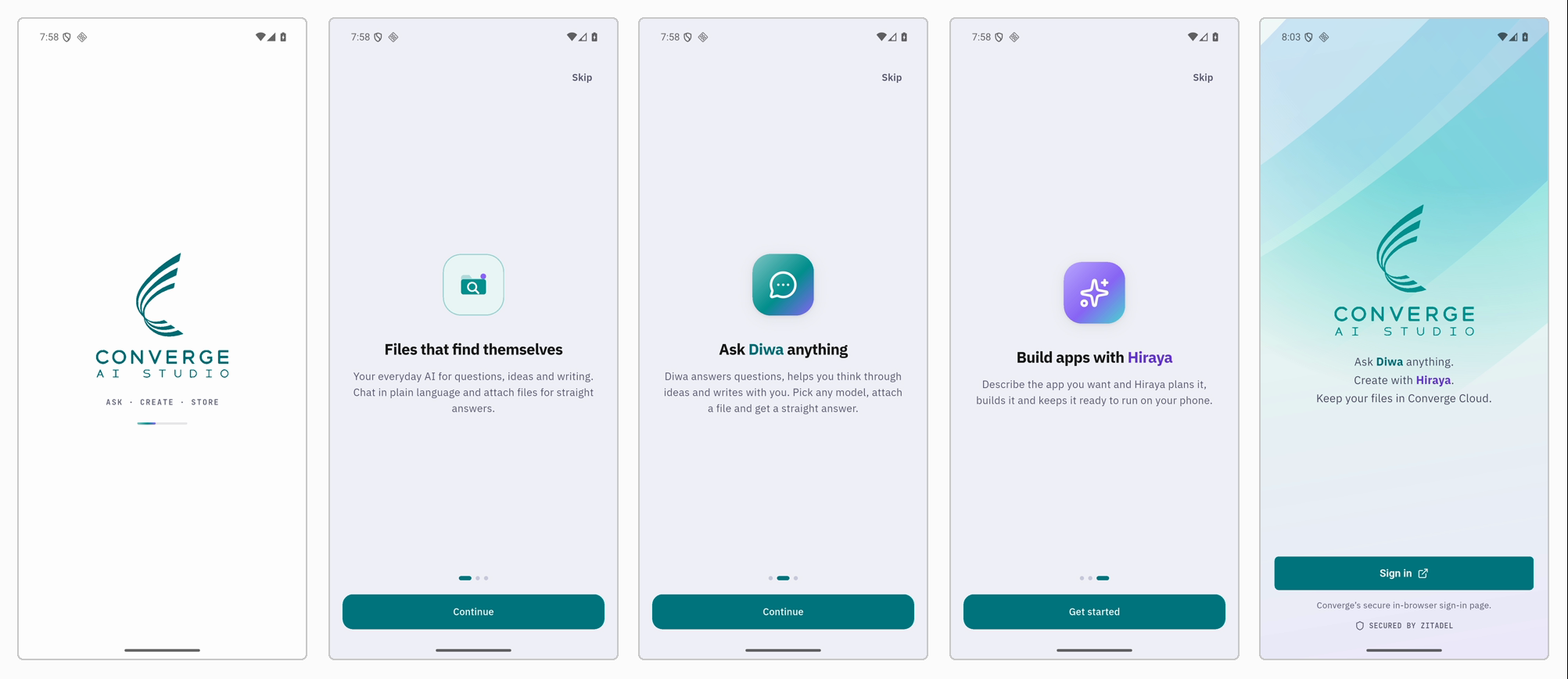
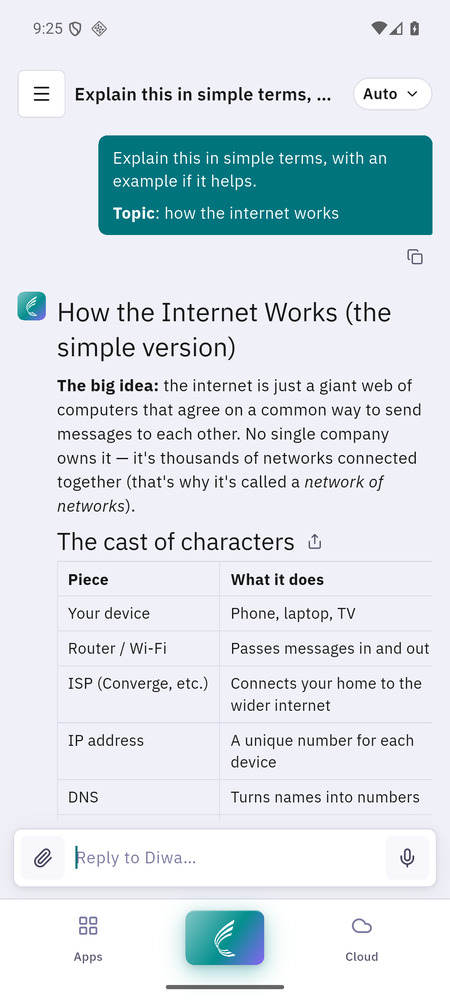
Diwa - AI Assistant
Conversational AI to ask questions, draft content, plan workflows, and query your files with live web retrieval.
- Watch answers stream live with stop and retry controls.
- Searches current web data.
- Responds in your input language, including Taglish.
- Speech recognition for voice dictation.
- Plan, Write and Explain shortcuts.
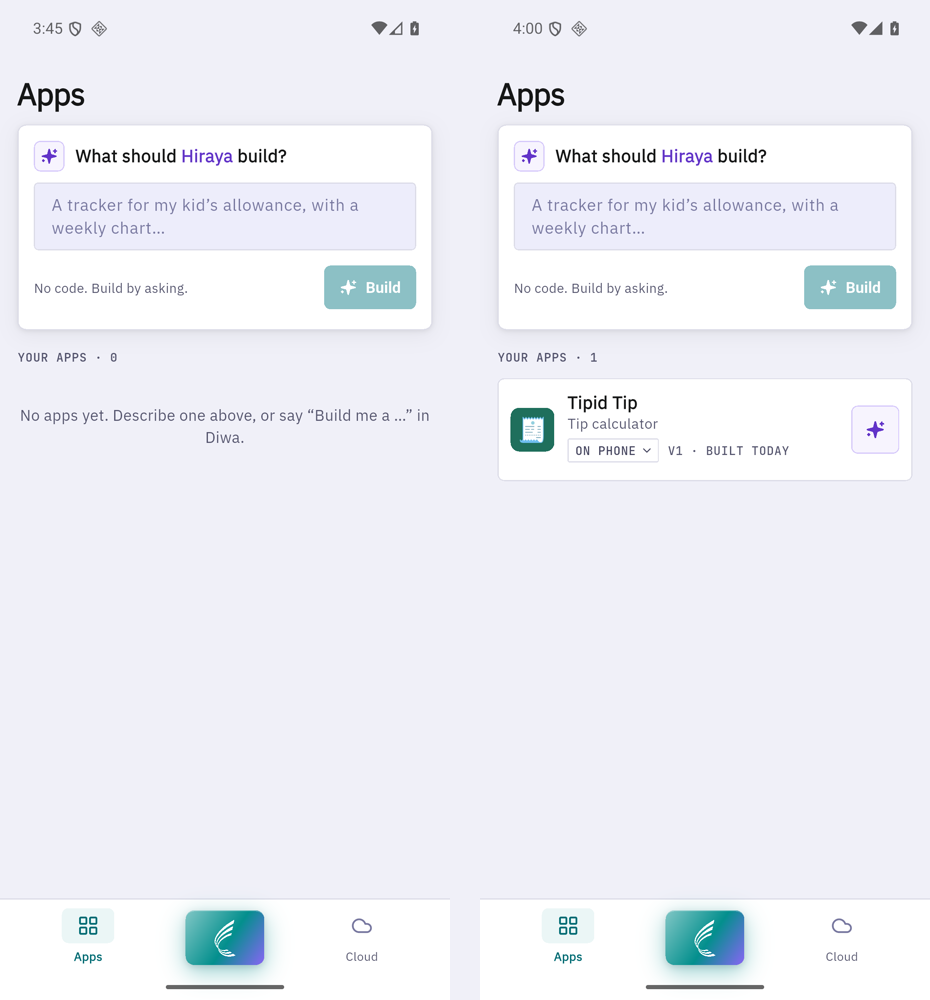
Hiraya - App & Game Builder
Describe your idea to instantly build no-code apps, games, images, and videos from simple prompts.
Creations are saved to Converge Cloud.
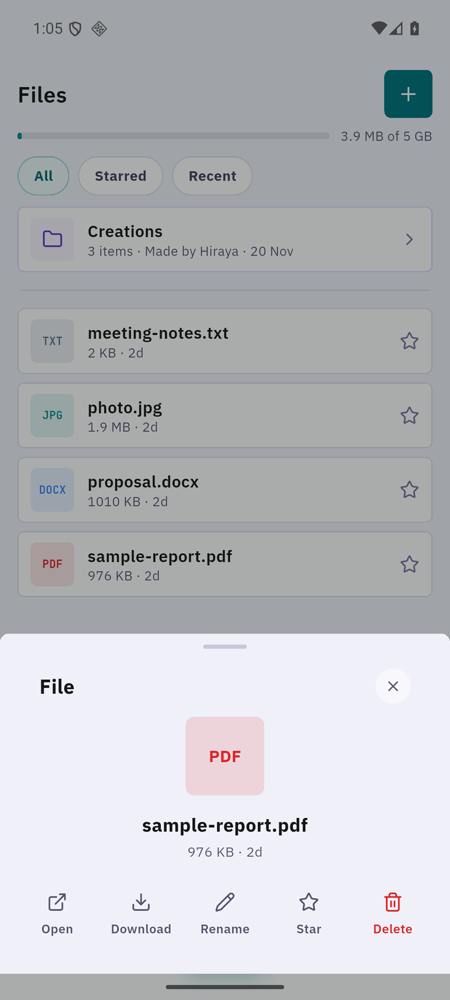
Converge Cloud - Storage
Every account gets 5 GB of Converge Cloud for files and creations.
Ask Diwa about the files you store.
Credits
Credits refresh weekly: 25,000 credits every Monday at 12:00 AM Philippine time.
How it starts
- Download and launch the app to reach the welcome screen.
- Select Register new user and enter your details.
- Check your inbox and click the verification link sent to you.
- Your account is verified, and you can proceed to sign in.
Legal and privacy
Data Protection Officer: Rick Jason Obrero
Email: dataprivacy@convergestudios.ai